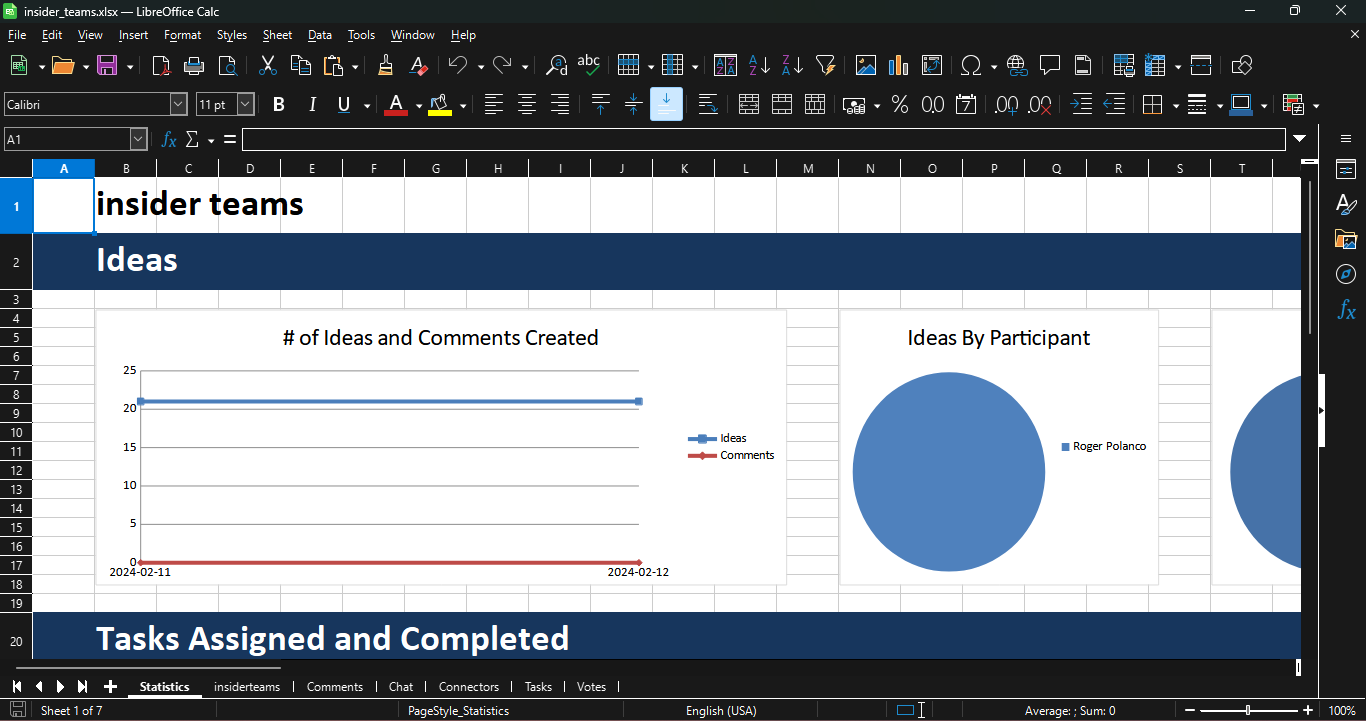
Stormboard is a software tool that provides a digital workspace for collaboration, brainstorming, and project management. It offers features such as a digital whiteboard, task tracking, reporting, and integration with other platforms. Users can collaborate in real-time, generate ideas, and organize tasks on an infinitely created digital canvas.
How to Create a Microsoft Excel Report
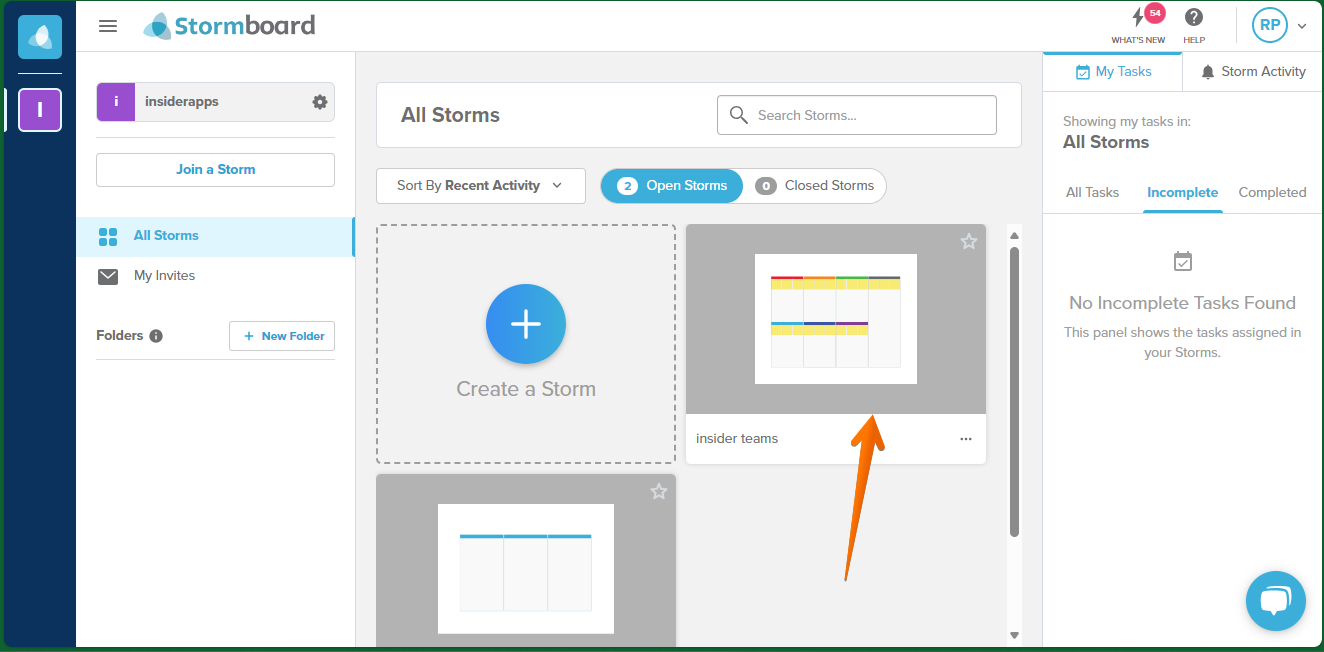
In this post, we will continue to detail the capabilities Stormboard has to speed up your workflow. One of the functionalities it has is being able to work with a series of reports. In fact, the software can generate them in a variety of formats for the user's convenience. One of those formats is the one that allows you to generate a spreadsheet. In this specific case, a Microsoft Excel file. Let's see how to do it. The first thing you have to do is to go to the Dashboard. From there we will look for the previously created Storms. Consequently, you only have to select one.
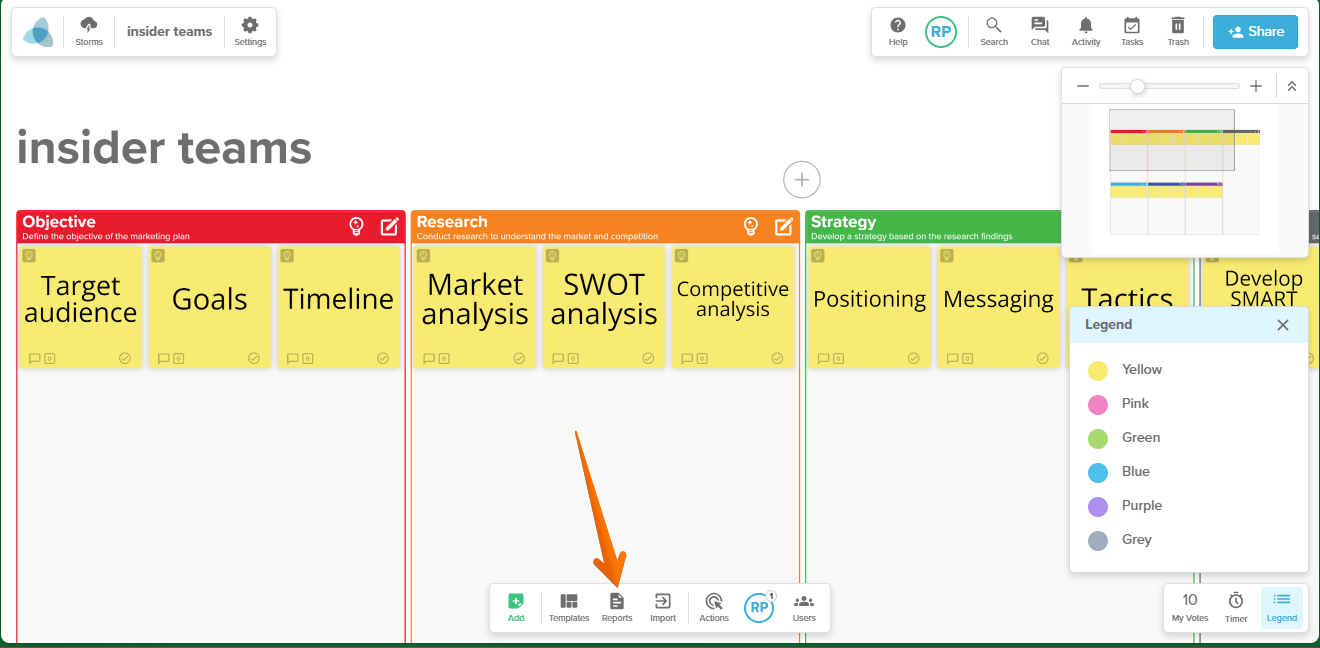
Consequently, the options corresponding to Storm are displayed. As you can see, there are a lot of them. However, the ones we are interested in are at the bottom of the Dashboard. Consequently, you will click on Reports.
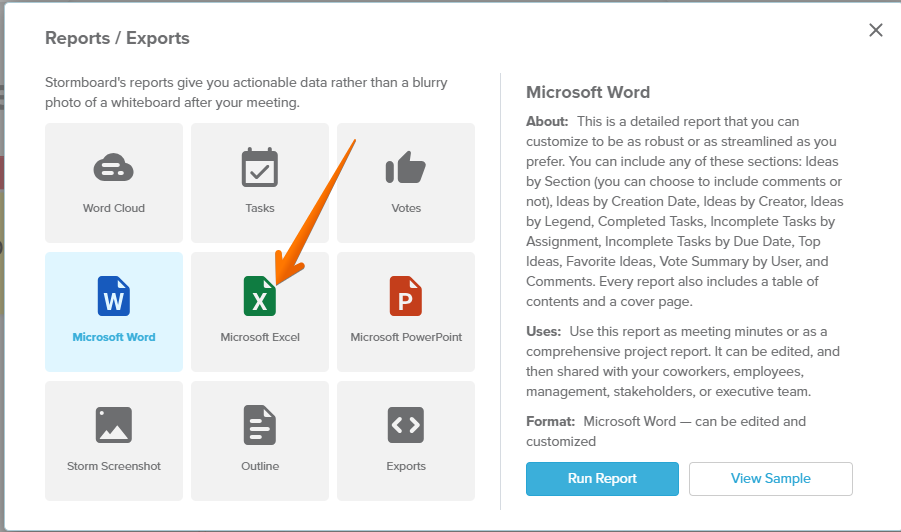
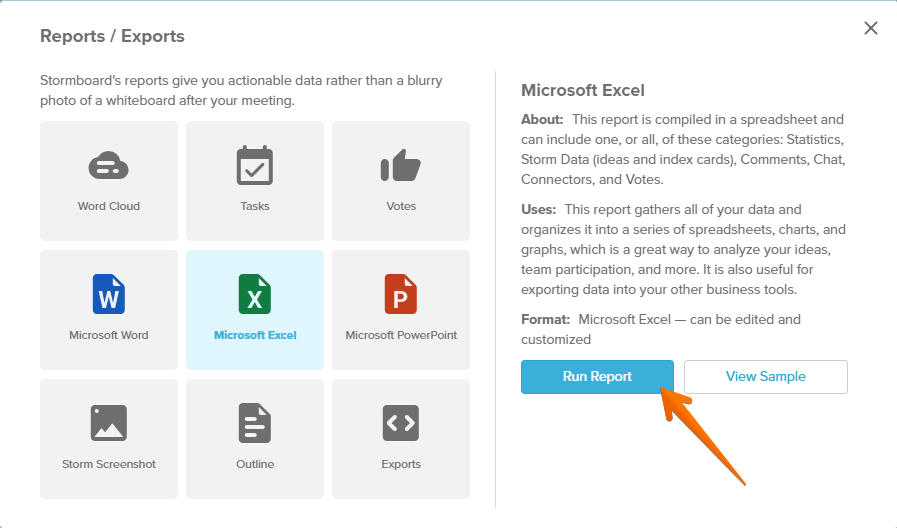
Below you will find a compendium of all available formats. In fact, Excel, PowerPoint, and Word are available. However, we will now click on Microsoft Excel.
Once the Excel options are displayed, just click on Run Report.
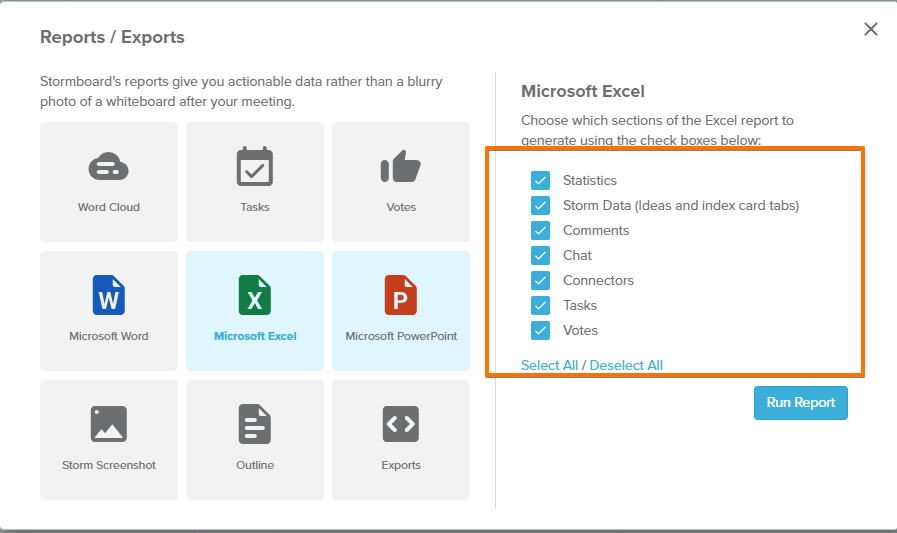
As you can see, it is possible to select the data you want to be displayed in the report. You can select all of it, or select none of it, or simply check the options you consider necessary.
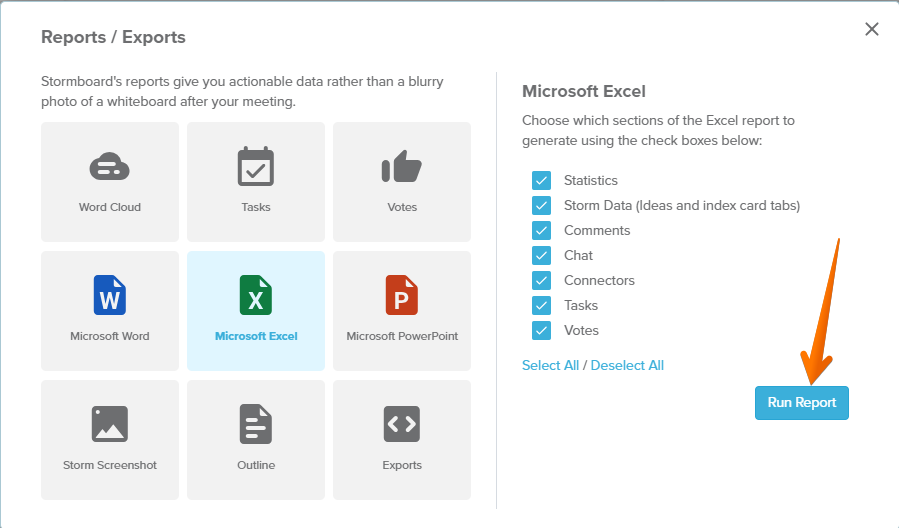
When you have set the options to your liking, just click on Run Report.
After generating the report, you will receive a confirmation message. You can then add the report to Storm or simply download it. This time we are going to download it.
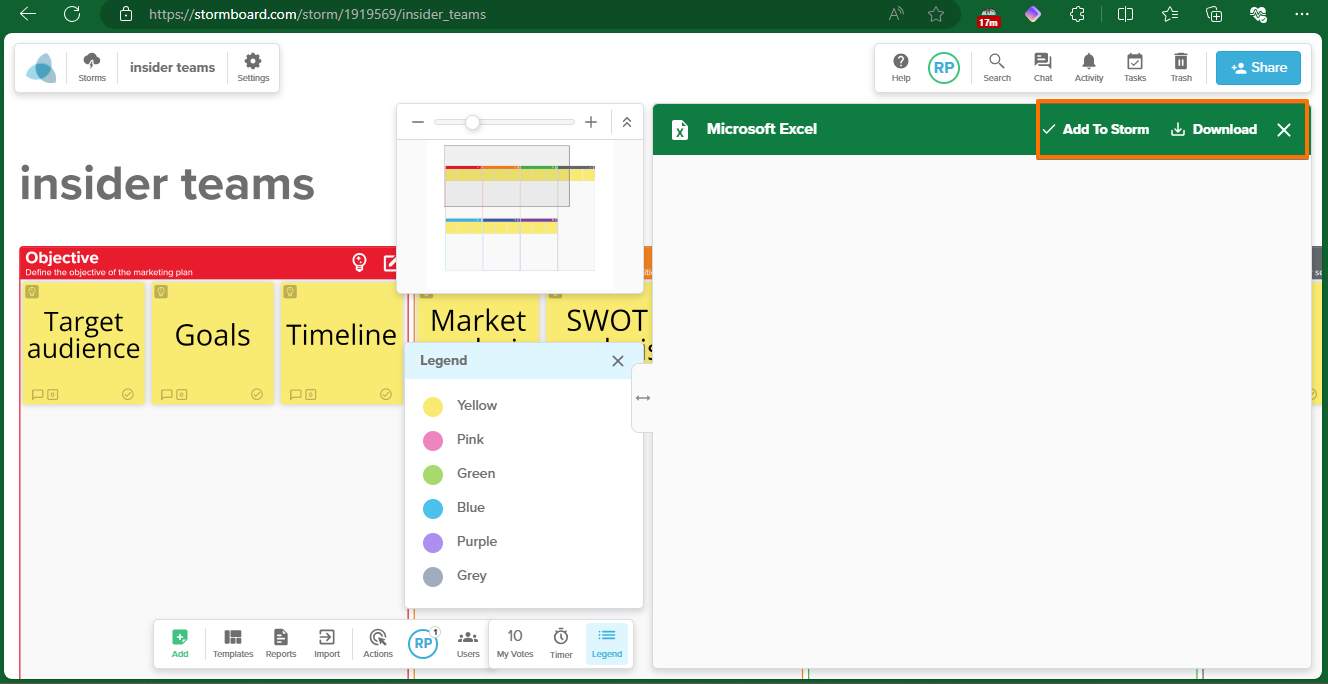
After a few moments, we will be able to see the report successfully downloaded.