Adding user groups in Statusbrew can help you manage your team members and assign different levels of access to them based on their role and responsibilities. With its user group feature, Statusbrew allows you to create and manage user groups effortlessly, ensuring that your team members have access to the tools and information they need to carry out their work. This can help streamline your team's workflow and ensure that everyone is on the same page when it comes to managing your social media profiles. If you are looking to streamline your social media management and improve collaboration with your team members, adding user groups in Statusbrew is definitely the way to go.
Simplify Your Social Media Management: Creating User Groups in Statusbrew
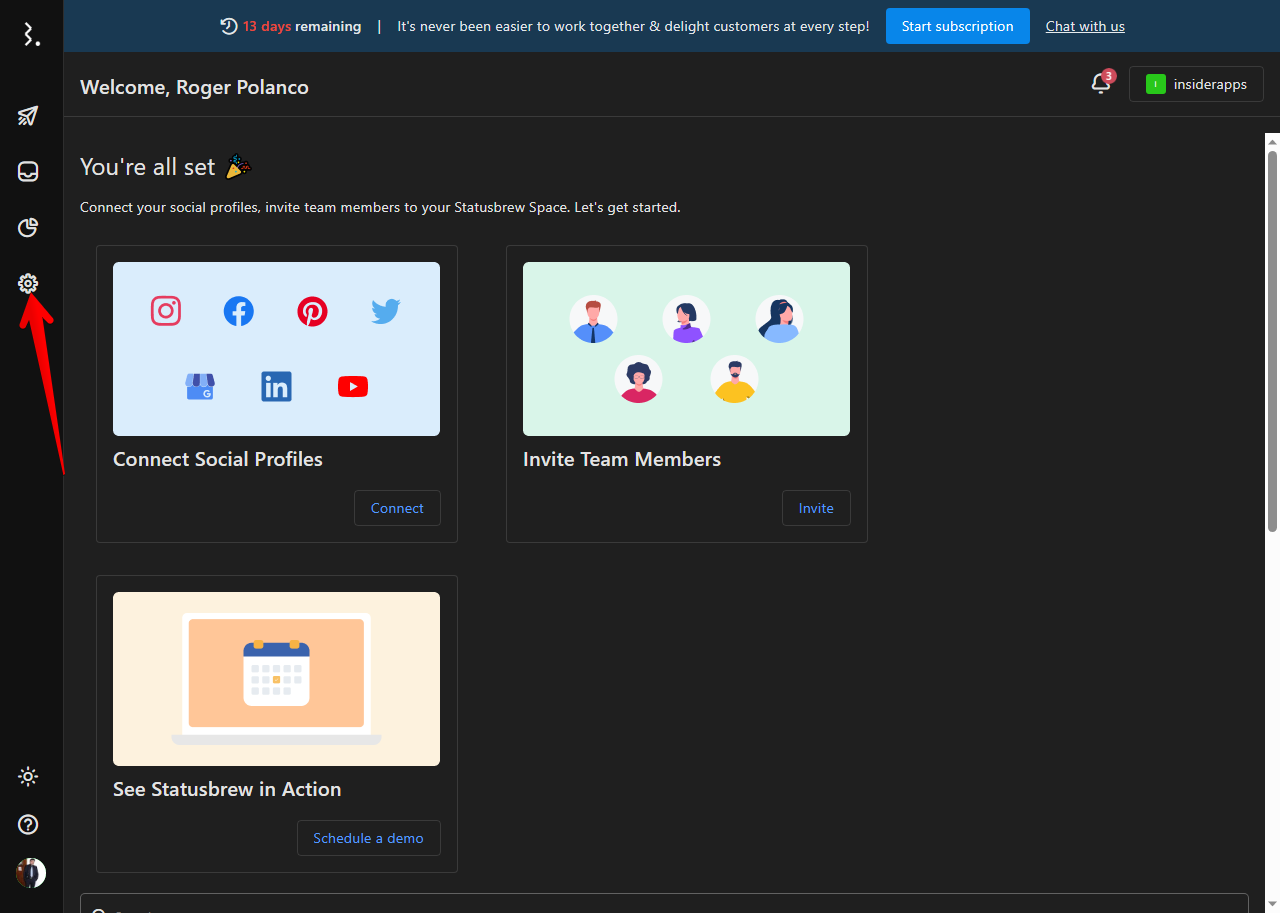
Adding groups allows you to organize profiles according to demographic profiles, as well as workflow and common purposes of your team members. To add a new user group, you have to click on the Settings. With this in mind, please click on the cogwheel icon.
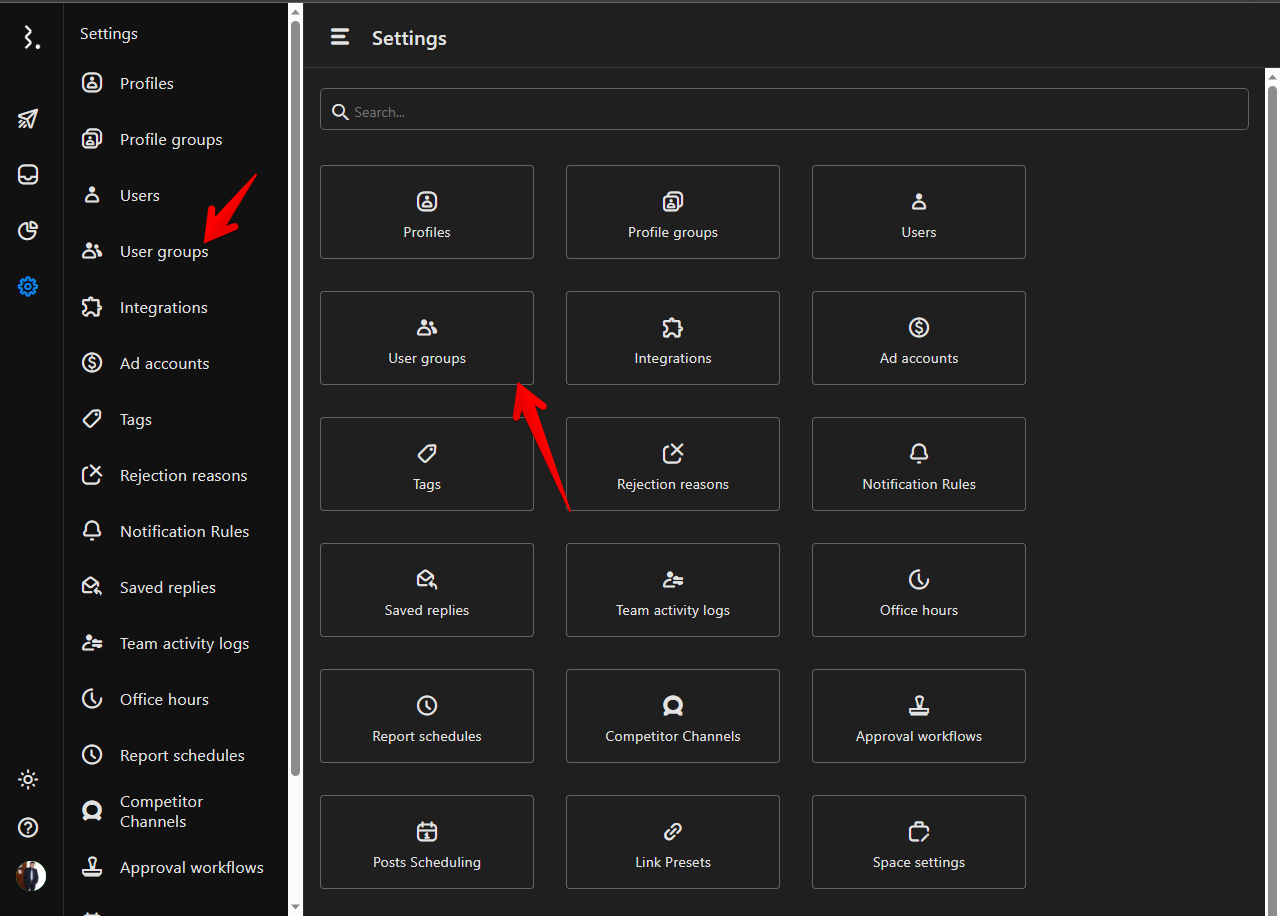
The following displays all Statusbrew configurations. Consequently, just click on User groups. You can do it from the side panel or from the central menu.
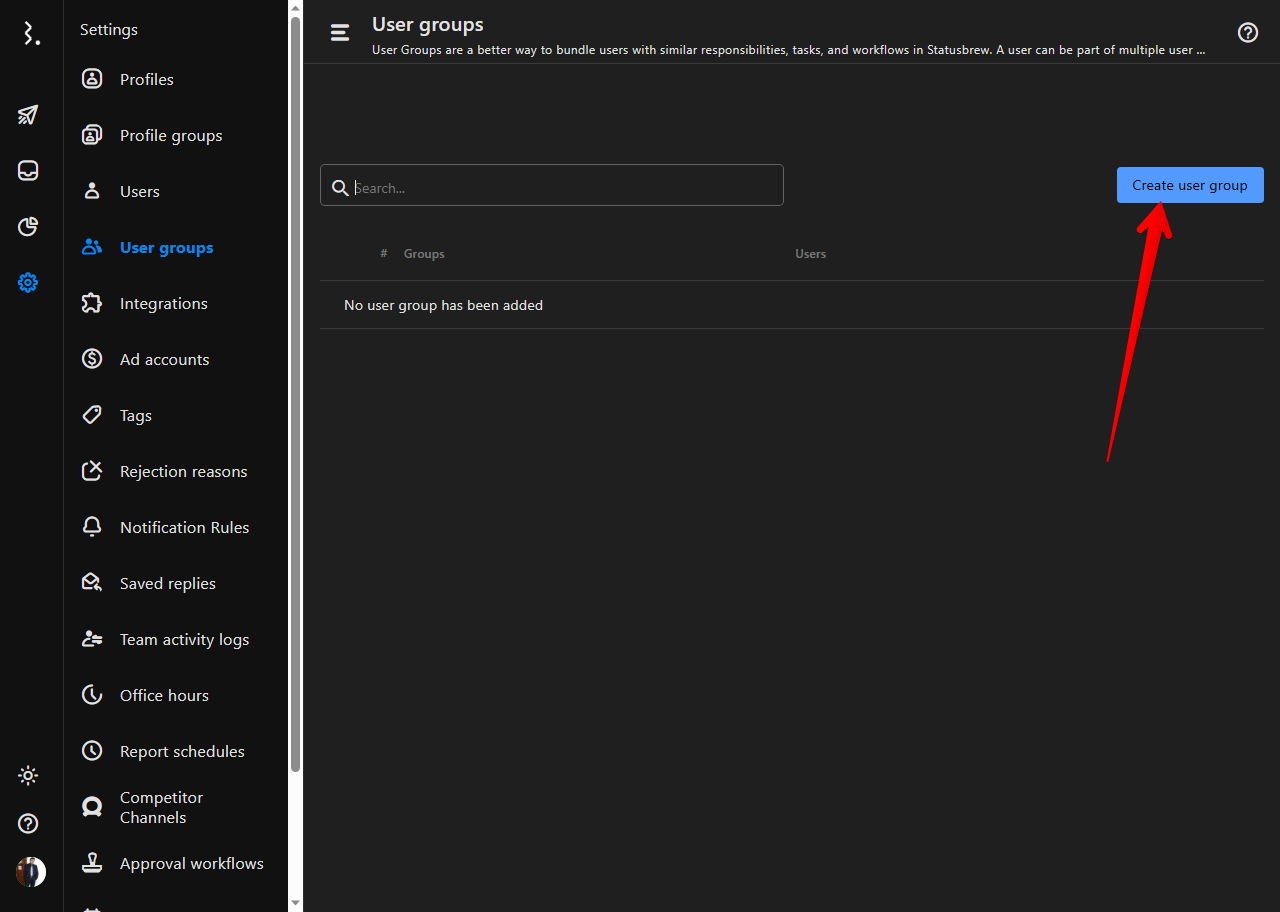
In the next screen, click on Create user group.
It is time to assign a name to the new group. Additionally, we can write a description of it.
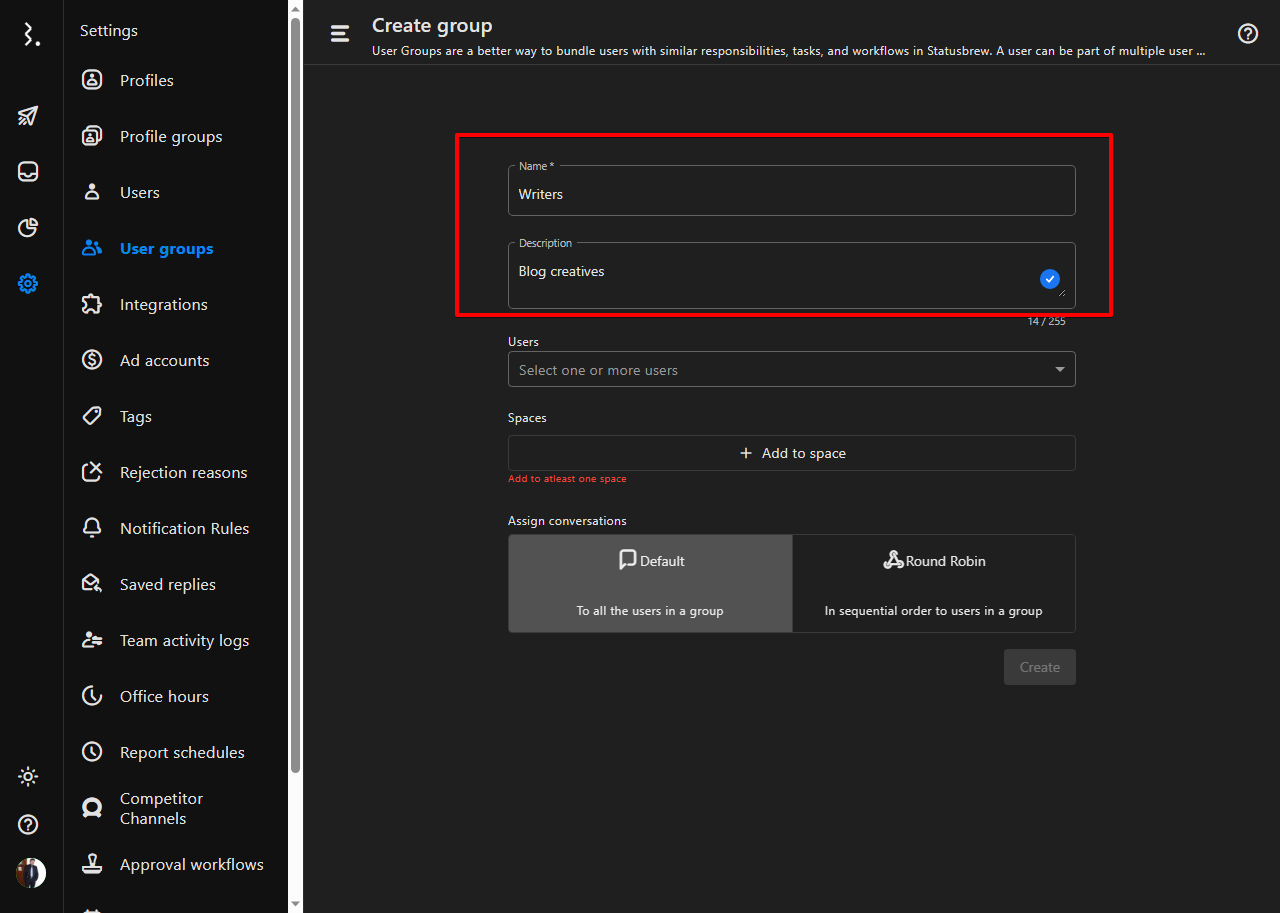
Now it is time to add users to the group. To do so, click on the Users menu.
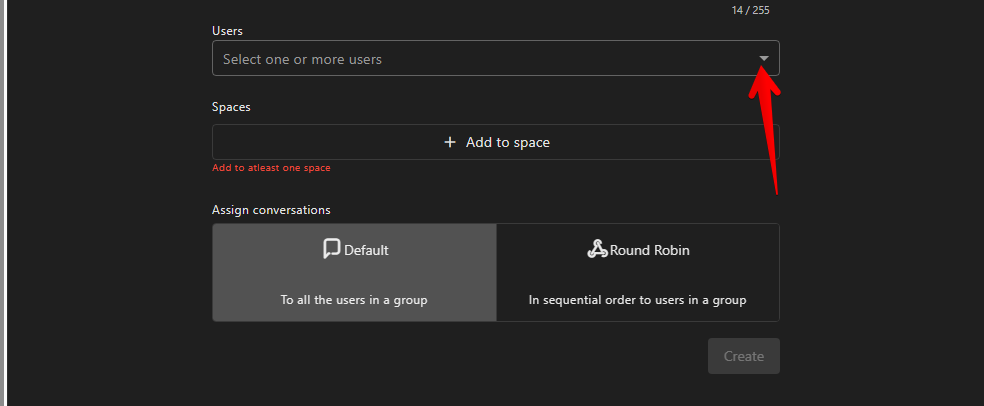
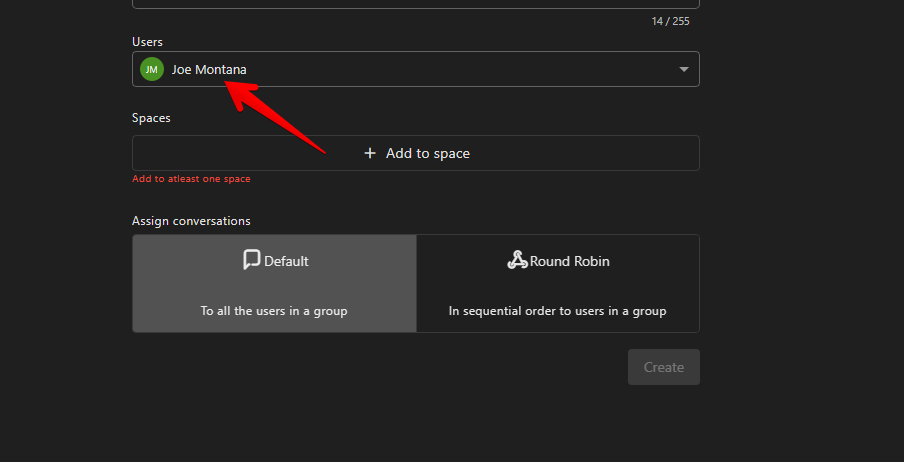
Now you just have to choose the members you want to belong to that particular group.
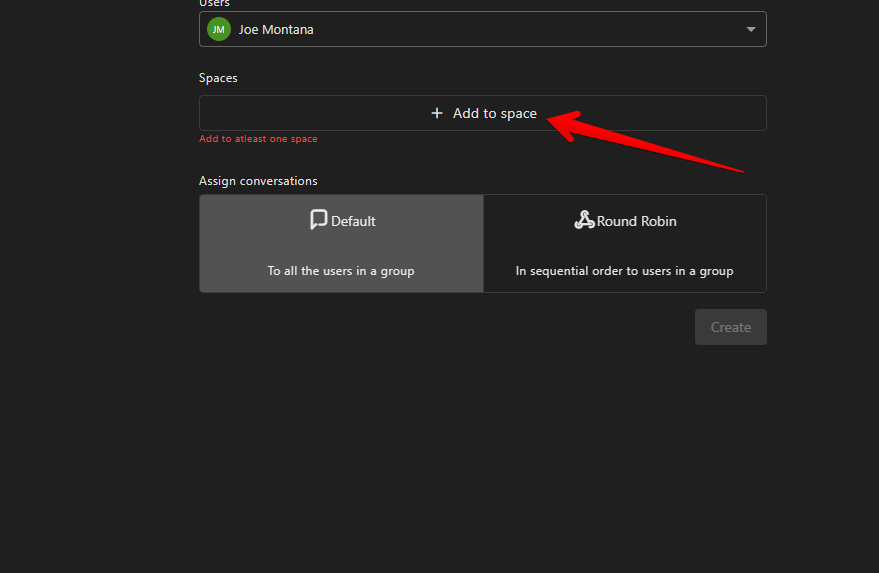
Then you have to establish the related space where the group will work.
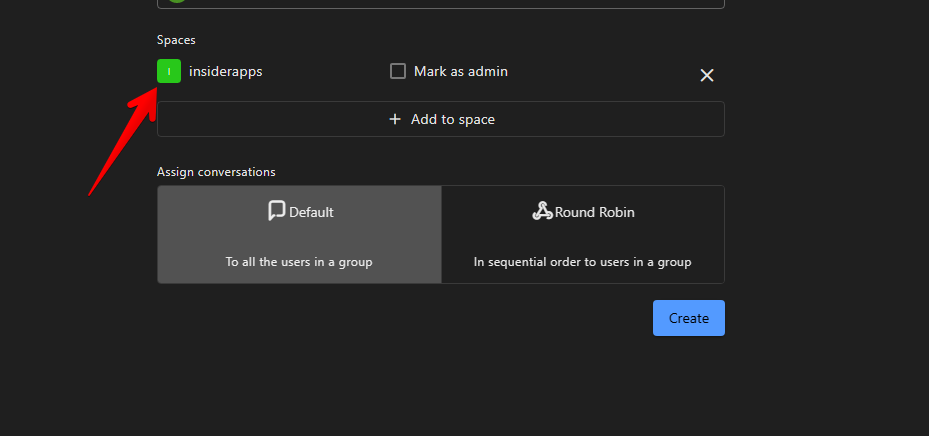
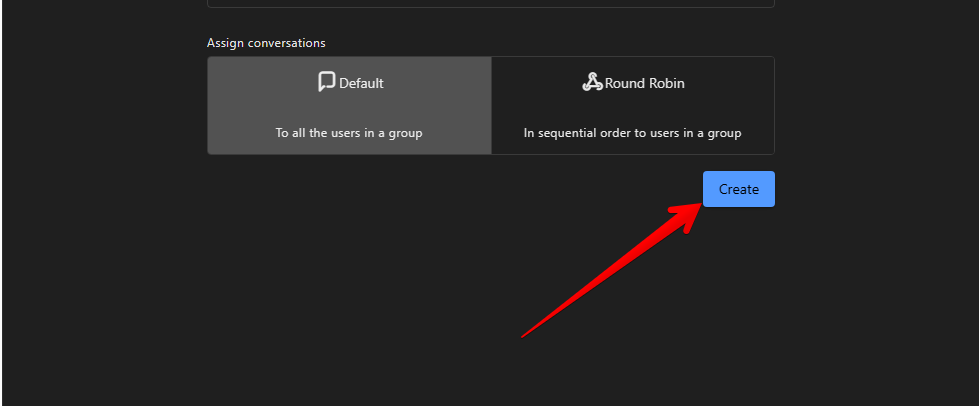
After setting the type of conversation, just click on Create to complete the process.
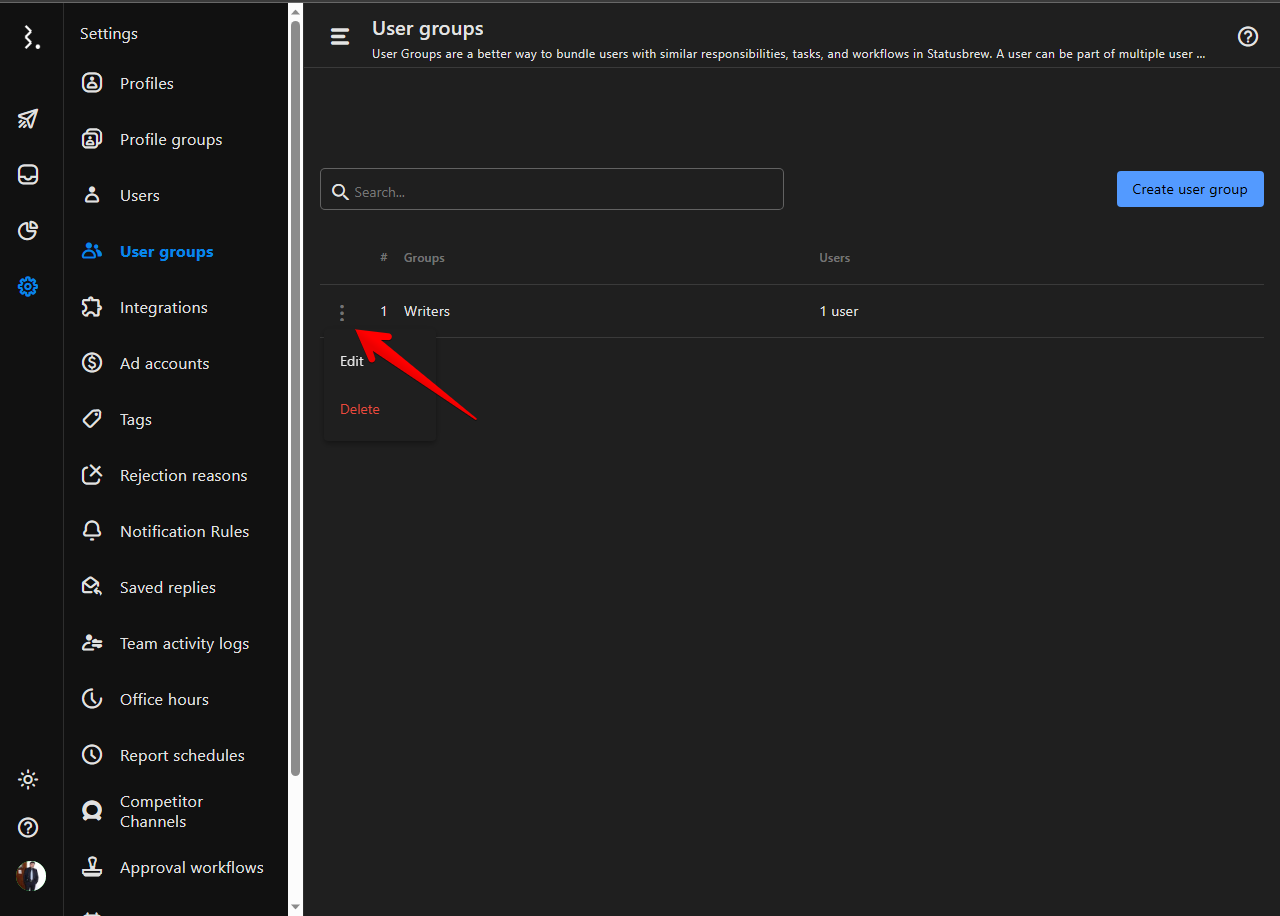
Back to the groups' menu, you will see the newly created group. Additionally, you can edit its options or even delete it if you no longer need it. To do so, just click on the 3-dot menu.
Conclusion
Adding user groups to your Statusbrew account is easy and can help you manage your social media profiles more efficiently. By grouping your users, you can assign specific roles and permissions to each group, making it easier to manage your team’s workflow. With Statusbrew, you can add user groups in just a few clicks and start managing your social media profiles like a pro.