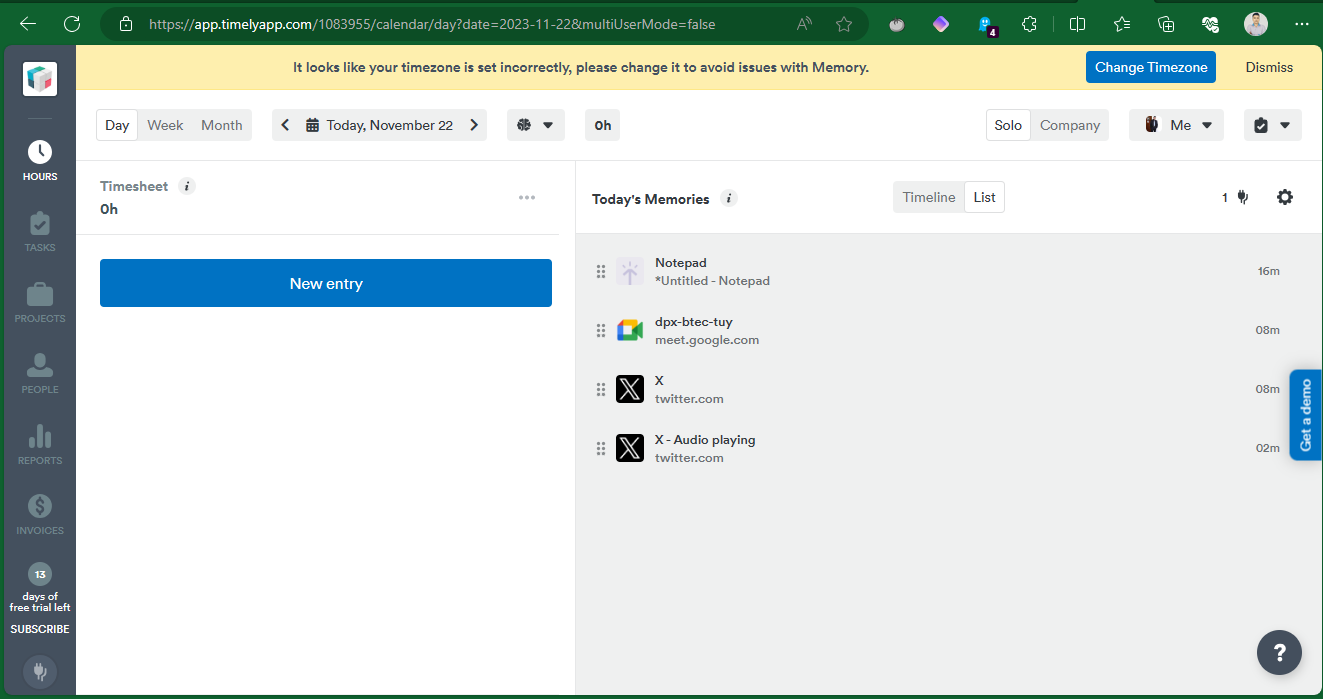
Timely is an AI-powered time tracking software that helps individuals and teams track their time more efficiently and accurately. It uses automatic time tracking to capture work activity in the background, so you don't have to worry about manually starting and stopping timers. Timely also integrates with a variety of web and desktop apps, so it can track your time in the apps you use most.
Installing Timely's Windows memory
Timely is an AI-powered time tracking software1. It automates company time tracking, allowing you and your team to focus on the work that matters. However, to get the best out of this tool, it is best to install add-ons and plug-ins that maximize its performance. In this opportunity, we will learn how to install the memory for Windows. Moreover, it is a process that we will show you step by step so that you can complete it successfully. The first thing you have to do is to go to the Timely dashboard. Once there, just go to the left menu of the tool. Once there, please click on the Timely ecosystem. It is the last icon in the bottom left corner. Take a look at the following image:

Consequently, you will see 3 memory options available: for Windows, for Mac and for Chrome. What you have to do is click on the Connect memory button for Windows.

As a result, a new floating window is displayed where we will see, among other things, that there is no memory for Windows connected. Consequently, we have to download the memory for Windows. With this intention, we click on the corresponding button.

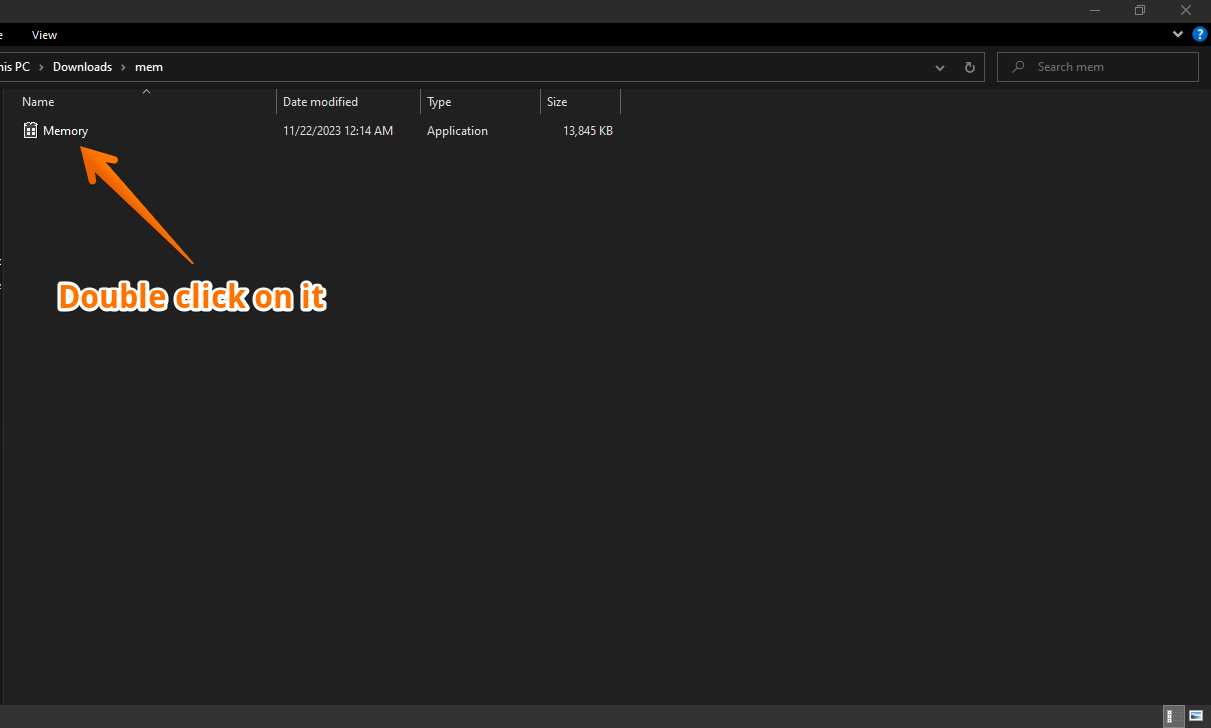
Consequently, we will download an executable file. Don't worry, it is totally safe. Then you must double-click on it.
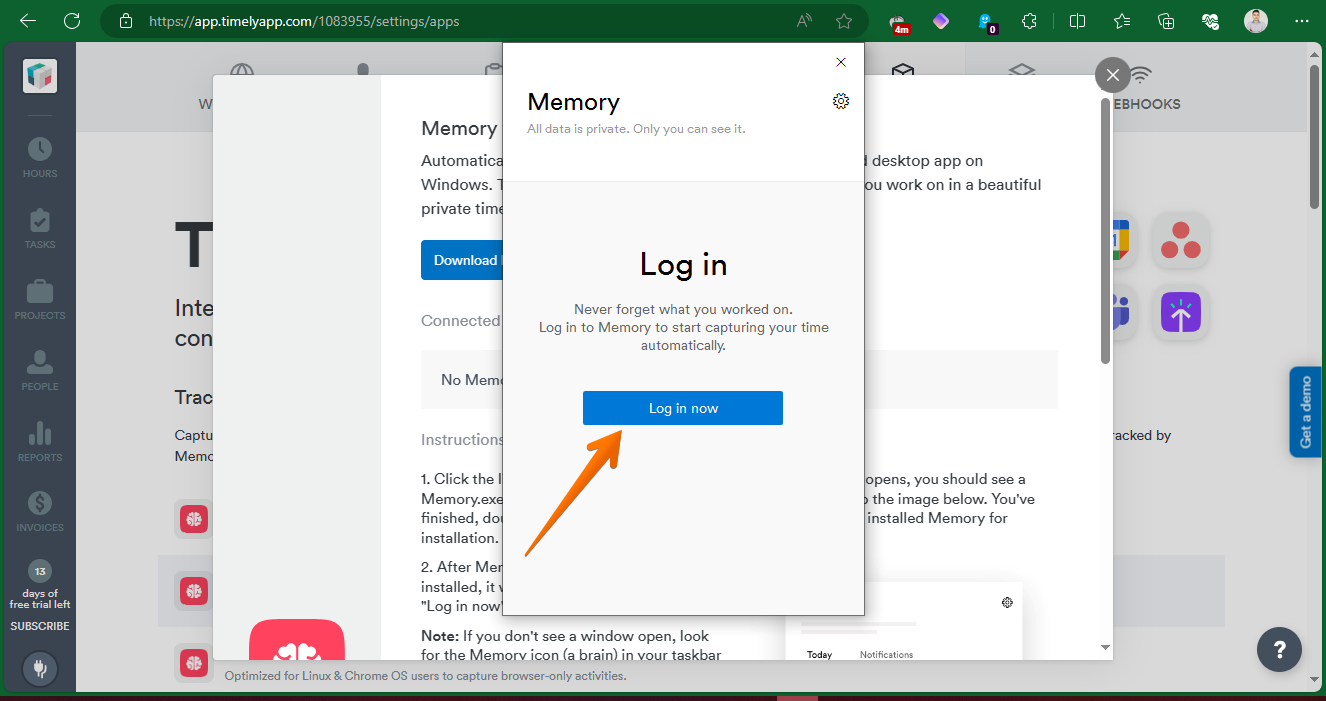
After the executable file is installed, a new login window is displayed. Please click on it.
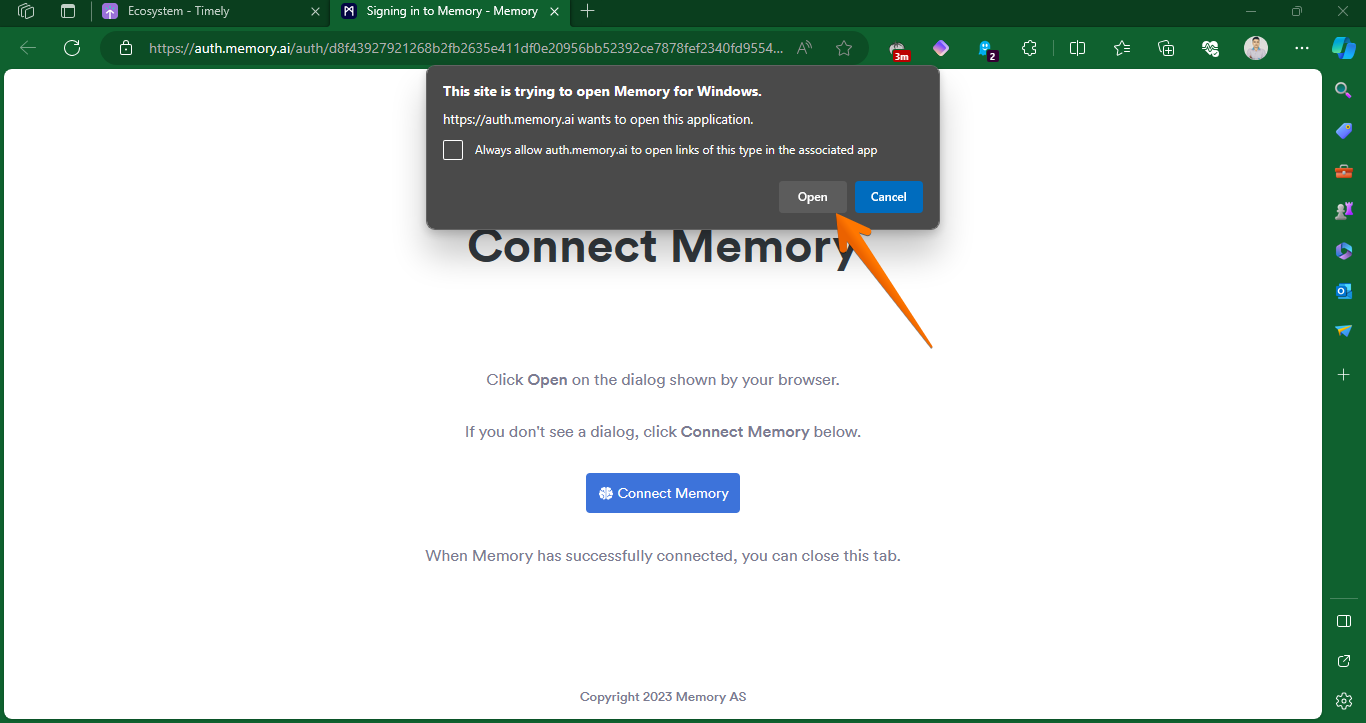
As a result, a new tab opens in the browser that redirects to a web link. Depending on the browser, you may have to give permissions.
Then you will see the general Memory settings.
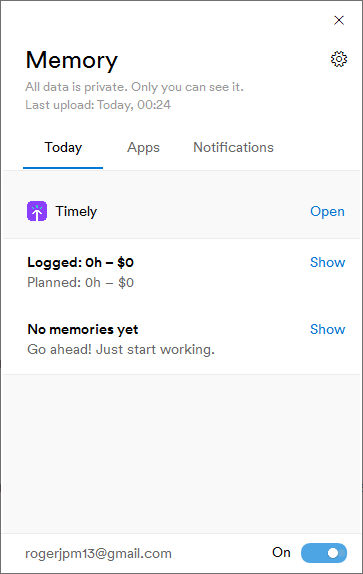
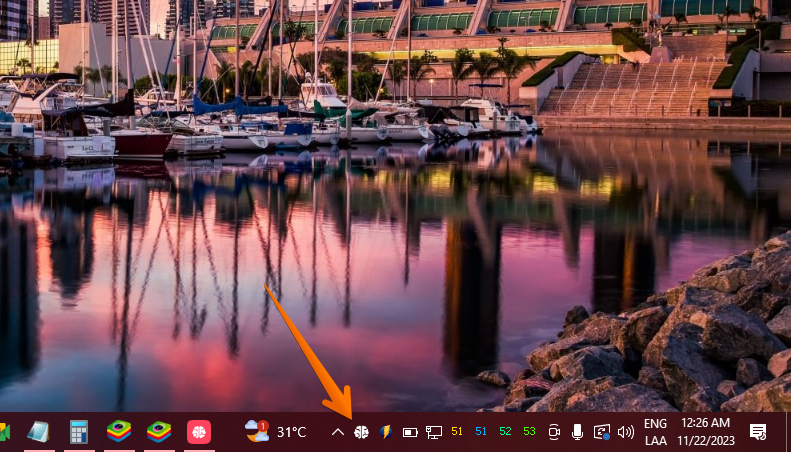
If you look at the Windows taskbar, you can see the icon that indicates that Memory is running successfully.
Back to the Timely Dashboard, you can see how the Memory is already running.